Chapter 5 — BlockFlow · Node Reference
Node Reference
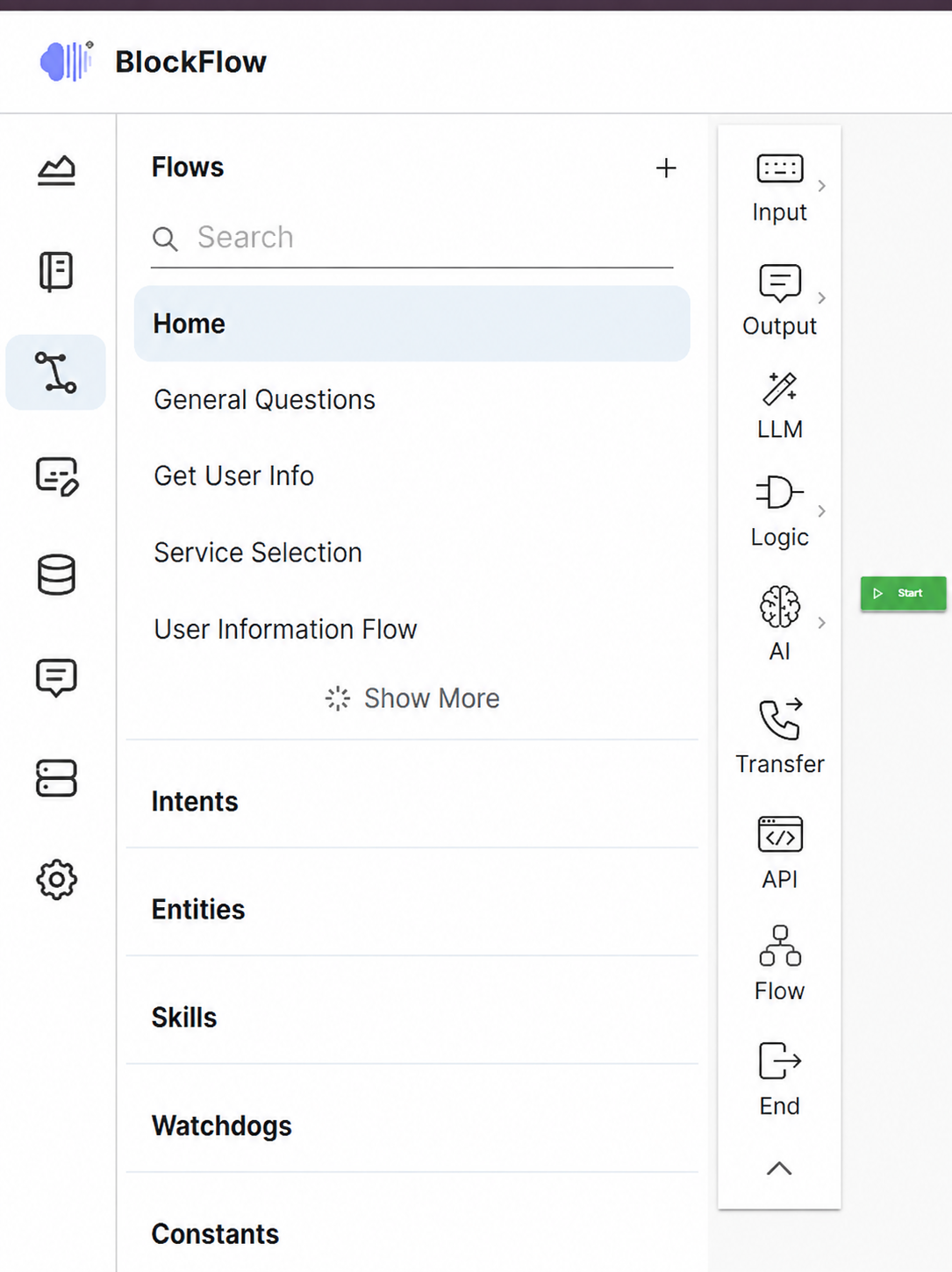
Nodes are the fundamental building blocks of a scenario. Each one represents a specific action, decision or interaction; connected together they define how the assistant interacts, processes information and responds.
Node catalogue
BlockFlow provides ten node types, presented in the order they appear in the editor toolbox. Each type has its own section; follow a link below to go straight to it.
| Section | Node type | Variants | Role in a flow |
|---|---|---|---|
| 5.2.1 | Start | — | Marks where the scenario begins and how it is triggered. |
| 5.2.2 | Input | Text, Query, Choice | Collects and interprets what the user says or selects. |
| 5.2.3 | Output | Text, JavaScript | Sends the assistant’s response back to the user. |
| 5.2.4 | LLM Booster | — | Supplements predefined replies with dynamically generated ones. |
| 5.2.5 | Logic | Switch, Set | Branches the conversation and manages variables. |
| 5.2.6 | AI | Agent, Chatbot, GenAI Workflow, GenAI QA | Adds reasoning, tool use and knowledge-grounded answering. |
| 5.2.7 | Transfer | — | Hands the conversation over to a human agent or external destination. |
| 5.2.8 | Hook | — | Calls external endpoints and APIs, and branches on the response. |
| 5.2.9 | Flow | — | Embeds another flow so scenarios can be split into reusable sub-flows. |
| 5.2.10 | End | — | Terminates the scenario and returns control to the system. |
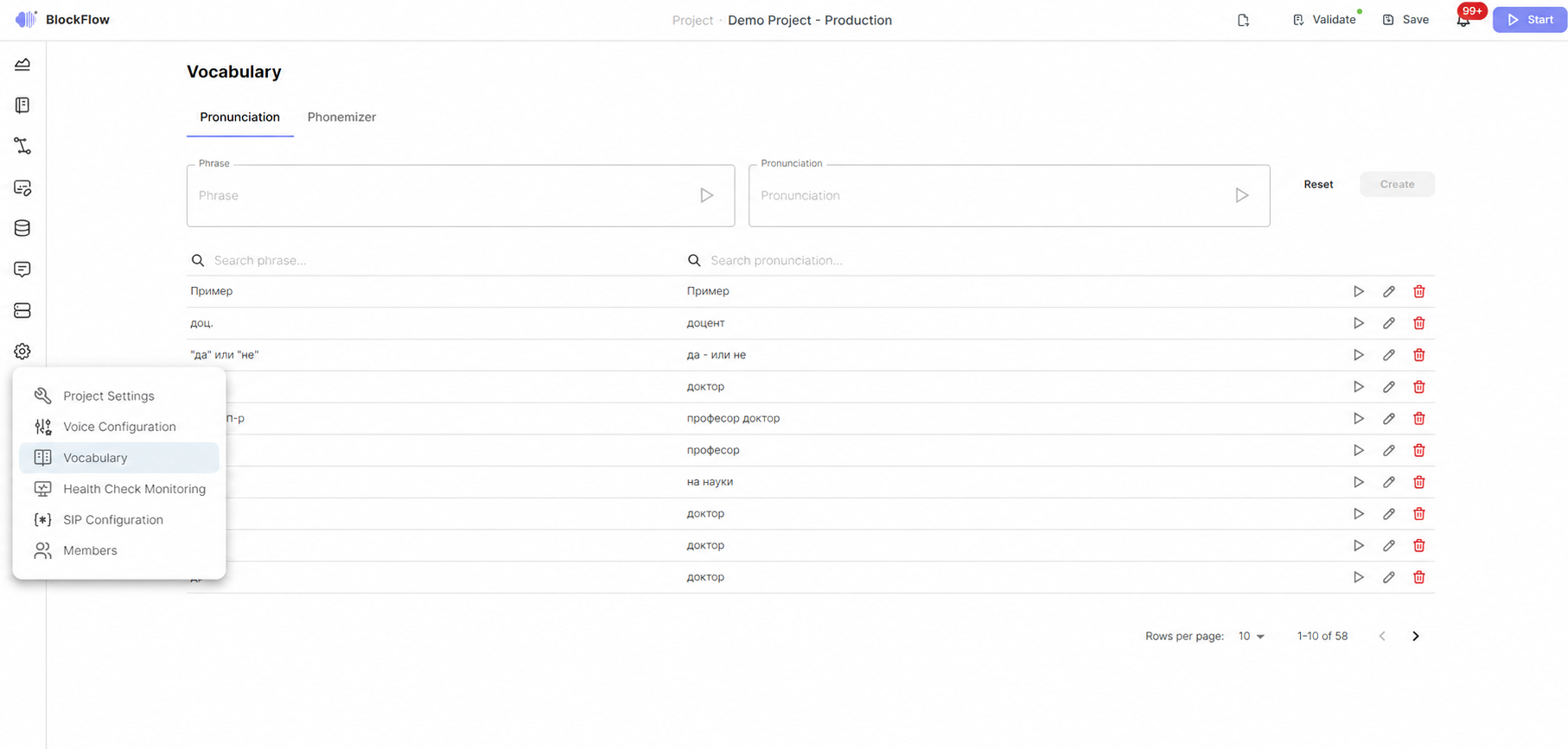
Figure 5 — The node types as they appear in the BlockFlow designer toolbox.
How nodes fit together
A scenario begins at a Start node and ends at an End node. Between them, input nodes gather what the user says, logic nodes decide how to proceed, AI nodes reason over the conversation and call external tools, hook nodes reach external systems, and output nodes reply. A Flow node embeds another scenario, and a Transfer node exits to a human agent when automation is not enough.
Building, connecting and testing scenarios is covered under Designer Editor .