Chapter 5 — BlockFlow · Node Reference
5.2.6 AI nodes
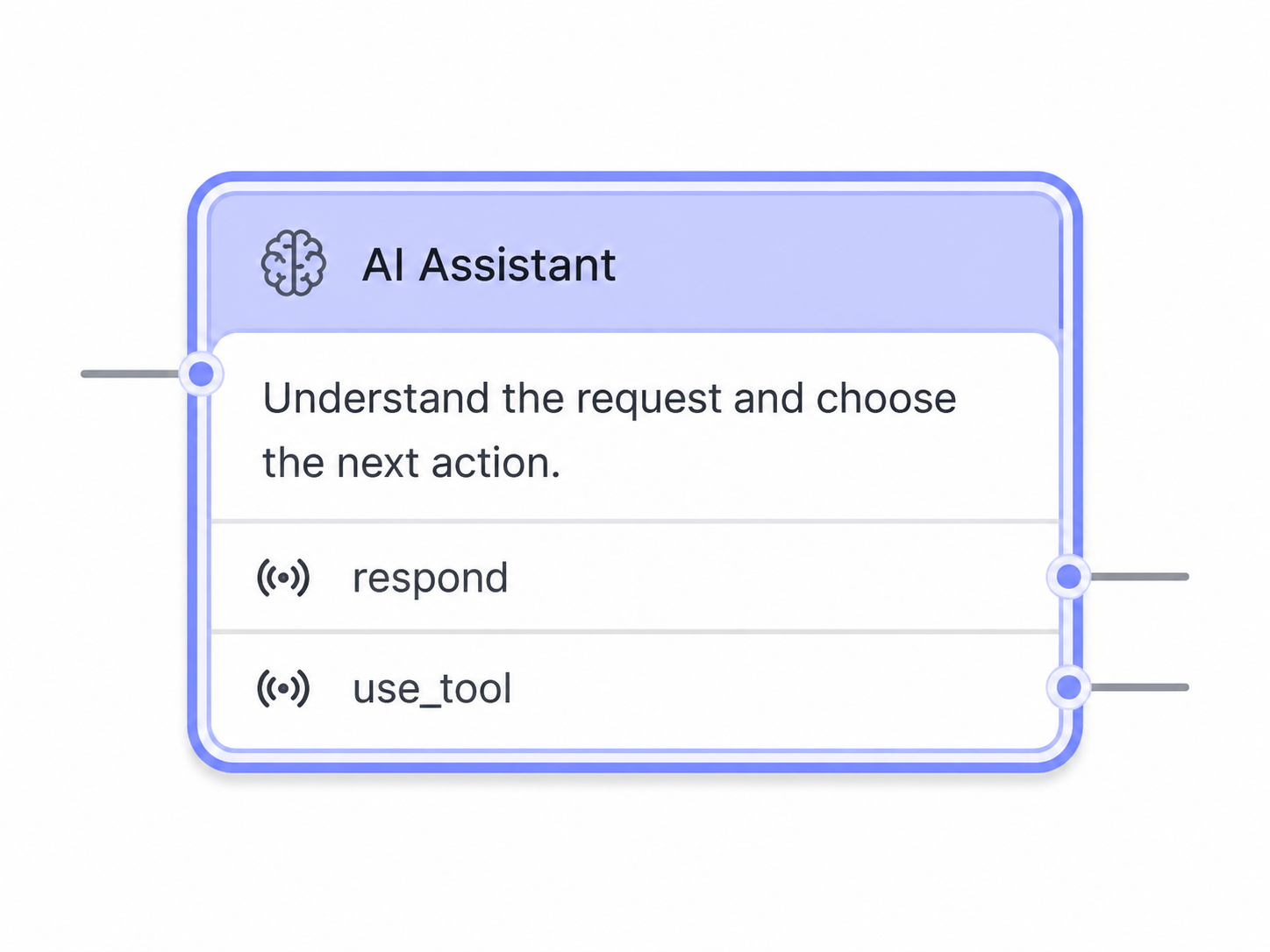
AI nodes integrate large language models, retrieval and tool execution into a flow, so the assistant can handle tasks that cannot be expressed as fixed rules.
The AI node in the BlockFlow designer.
Agent node
The general-purpose reasoning node. An Agent interprets the conversation, decides whether an external capability is required, and calls MCP tools to obtain it — rather than following a predefined sequence of steps.
- Tool assignment — the MCP tools available to the Agent are configured on the node. An Agent can combine tools from several MCP servers, but receives only the tools selected for its use case, not everything those servers expose.
- Runtime tool selection — at runtime the Agent receives the assigned tools with their descriptions and input schemas, and selects the most appropriate one for the current request and conversation context.
- Centralised execution — the call is routed through the MCP Registry to the server that exposes the tool, and the result is returned to the Agent to continue the conversation.
- Error recovery — a failed execution returns a descriptive error, and the Agent can modify the input, choose another tool, ask the user for more information or continue without a tool.
- Model profiles and snapshots — endpoints, credentials, prompts and policies are selected through reusable profiles, while the node stores versioned snapshots so a workflow revision stays reproducible.
Tool configuration and the end-to-end execution path are documented under Agent Tools & Execution .
Agent supervision
The Agent node can host a teacher and a student model role, so production behaviour is supervised while a smaller model learns. The configuration is documented in the three subsections that follow: Overview & Lifecycle , Configuration & Safety and Traces, JSON & Rollout . When the feature is disabled the standard single-model behaviour applies.
Chatbot node
Conducts an open, multi-turn conversation with the user under a configured system prompt, instead of resolving one specific field or intent. It is the node to use for free-form dialogue where the next turn cannot be predicted by the flow.
- Multi-turn dialogue — the node keeps handling turns while the conversation stays on topic, maintaining context across the exchange.
- Prompt configuration — system instructions, persona and tone are defined on the node and combined with the conversation context at runtime.
- Model settings — model, temperature and token limits are configurable, using any model available through the LLM Management Registry.
- Exit conditions — control returns to the flow when the configured goal is met, an intent is detected, or a turn or timeout limit is reached.
- Variable capture — information gathered during the exchange can be written to variables for later nodes.
GenAI Workflow node
An input node that conducts a guided, tool-aware GenAI interaction to resolve a single parameter or slot. It can:
- Build an LLM prompt — system instructions, goal, first user message and optional conversation context.
- Call tools and RAG backends.
- Enforce a structured JSON response indicating whether more user questions are needed and the final selected option.
The node supports configurable model settings (temperature, tokens, model ID), contextual conversation sharing, dynamic fallback routing and strict response validation.
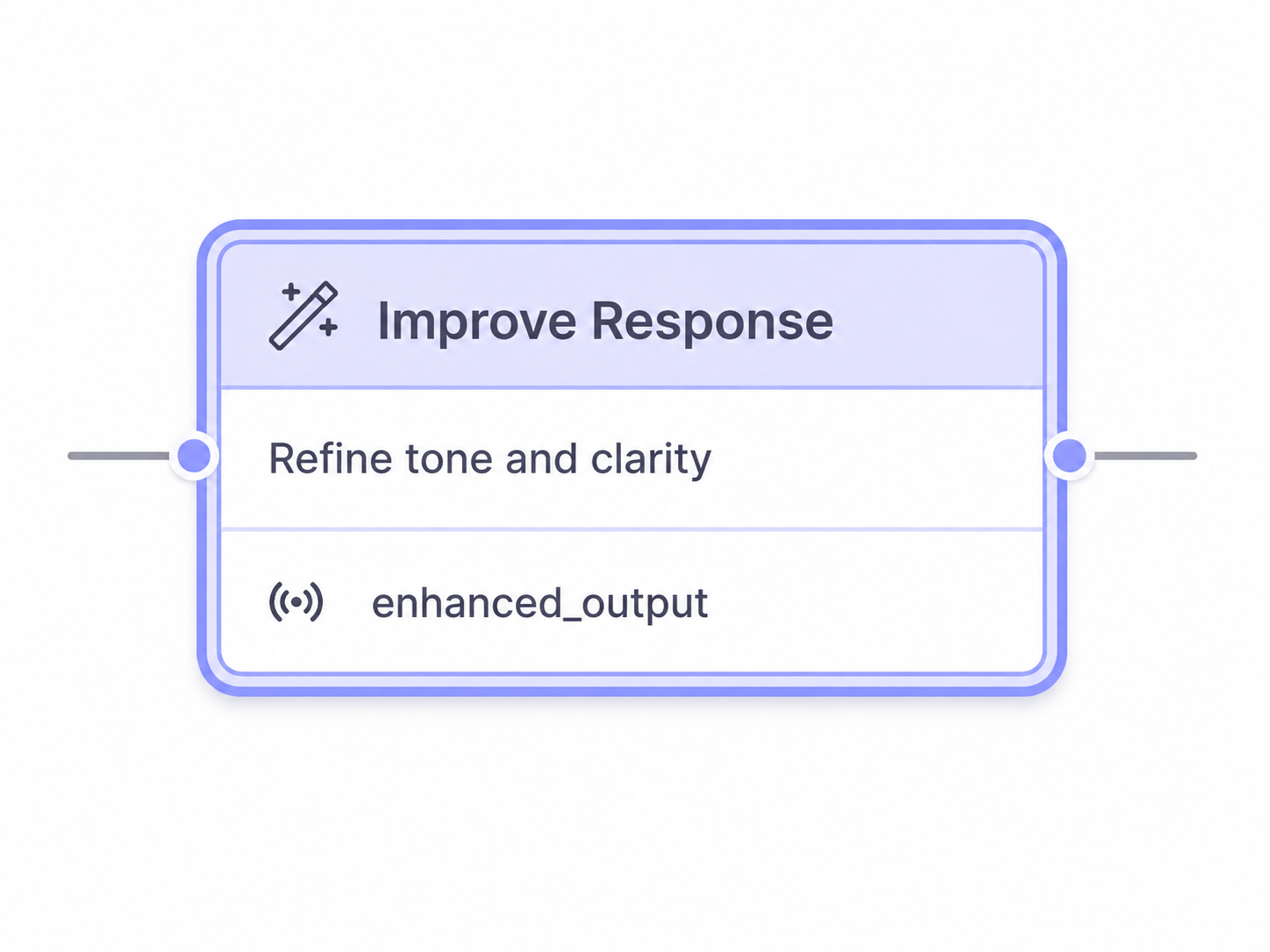
Figure 6 — GenAI Workflow node options.
GenAI QA node
Delivers knowledge-grounded answers through retrieval-augmented generation and integrated tools or APIs. It retrieves relevant information from connected knowledge sources, builds a context-aware prompt and queries a specified LLM to generate evidence-based responses. It supports configurable model parameters, multi-turn conversation handling, multiple retrieval tools, fallback routing, context sharing and output parsing. Knowledge is uploaded through the KnowledgeBase module , where it is stored and structured for the retrieval mode in use.
Figure 7 — GenAI QA node settings.