Chapter 3 — Setup
LLM Management Registry
A centralised registry for the Large Language Models available to conversational workflows — external providers, gateways, and custom models hosted on the platform's own vLLM infrastructure.
Administrators register, organise and control access to multiple LLMs from different providers. The module connects to models from major providers such as OpenAI, Anthropic and Google, and supports OpenRouter integration for access to a wide range of additional models through a unified API gateway. Each entry records the model name, provider, model identifier, organisation scope and description.
Registration of custom-built LLMs
Custom LLMs can be deployed on the BlockFlow infrastructure using the vLLM inference engine. These models can be fine-tuned for domain-specific applications and hosted on-premise, giving organisations full control over data privacy, latency and performance. Combining externally hosted and internally deployed models enables a hybrid AI architecture that balances scalability, customisation and governance.
The registry allows conversational nodes — such as the LLM Booster node — to select and invoke the appropriate model dynamically at runtime.
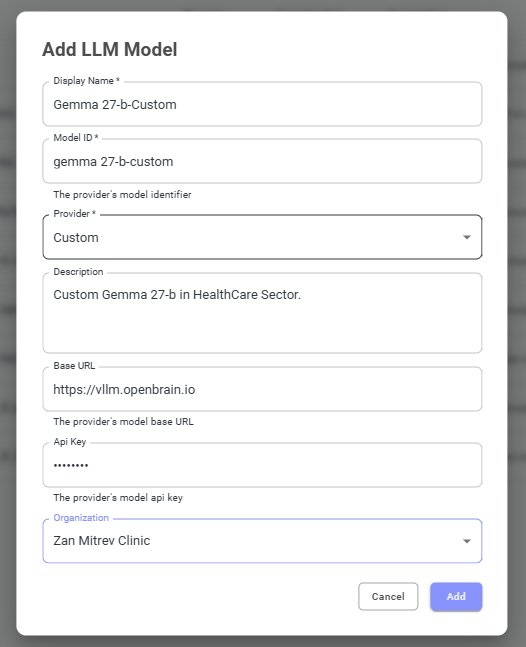
Figure 5 — OpenBrain LLM registry.
Add LLM Model dialog
The dialog defines the configuration parameters required for model integration:
- Display name, model identifier and provider type.
- Description — optional documentation of the model's intended use or domain specialisation.
- Base URL and API key used to authenticate requests to the provider.
- Organisation scope — controls access in multi-tenant environments.
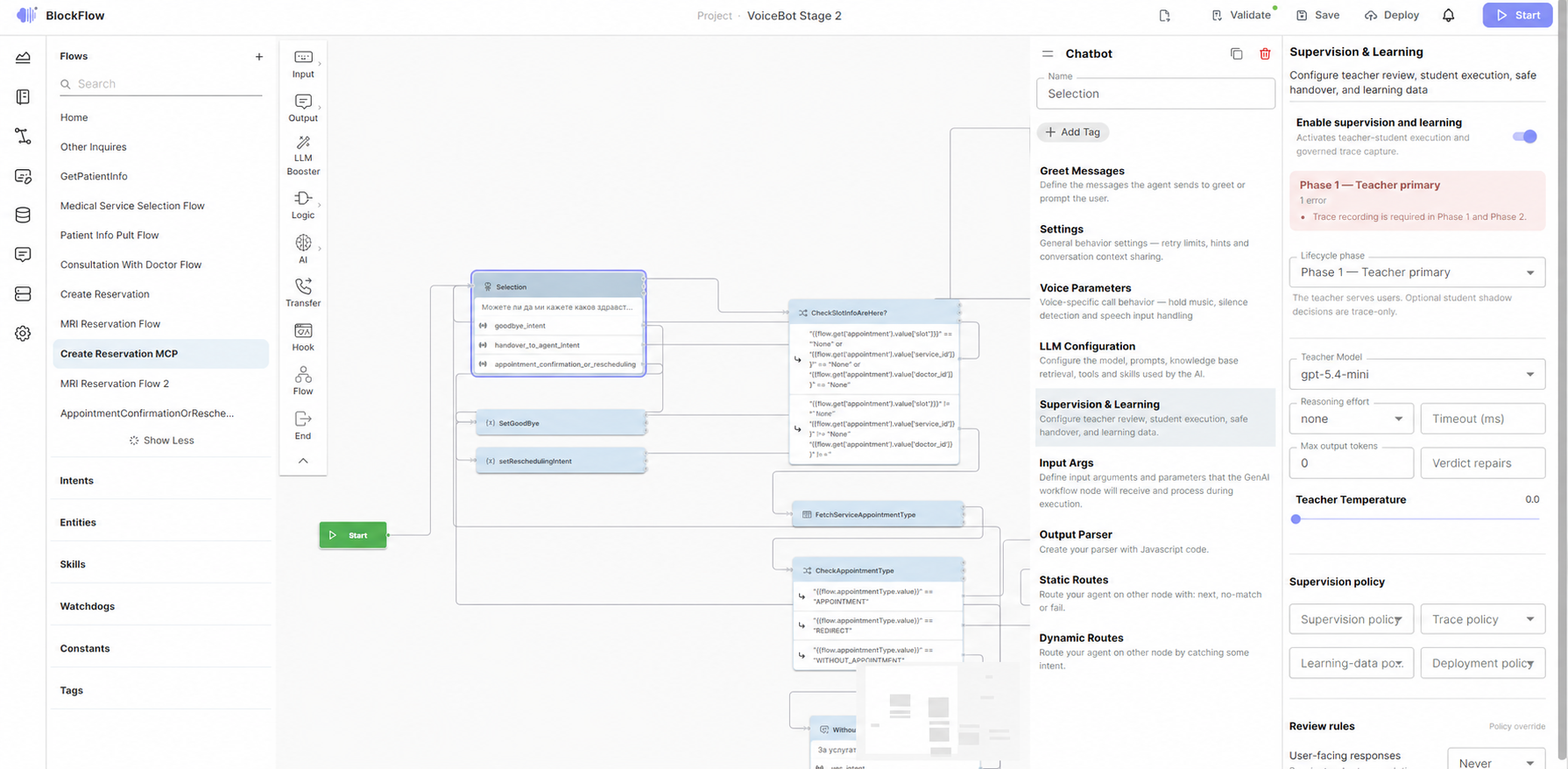
Figure 6 — Add LLM to the OpenBrain registry.